How it works

A tour of booknookd

From finding your next book to looking back on your year. Every screen here is from the app.

Discover

Something good to read, every time you open it

Popular this week ranks the books readers are adding right now. Swipe through them at the top of Home.

Jump back in brings back the books you've rated, liked or logged lately. Below that, more from the authors you read.
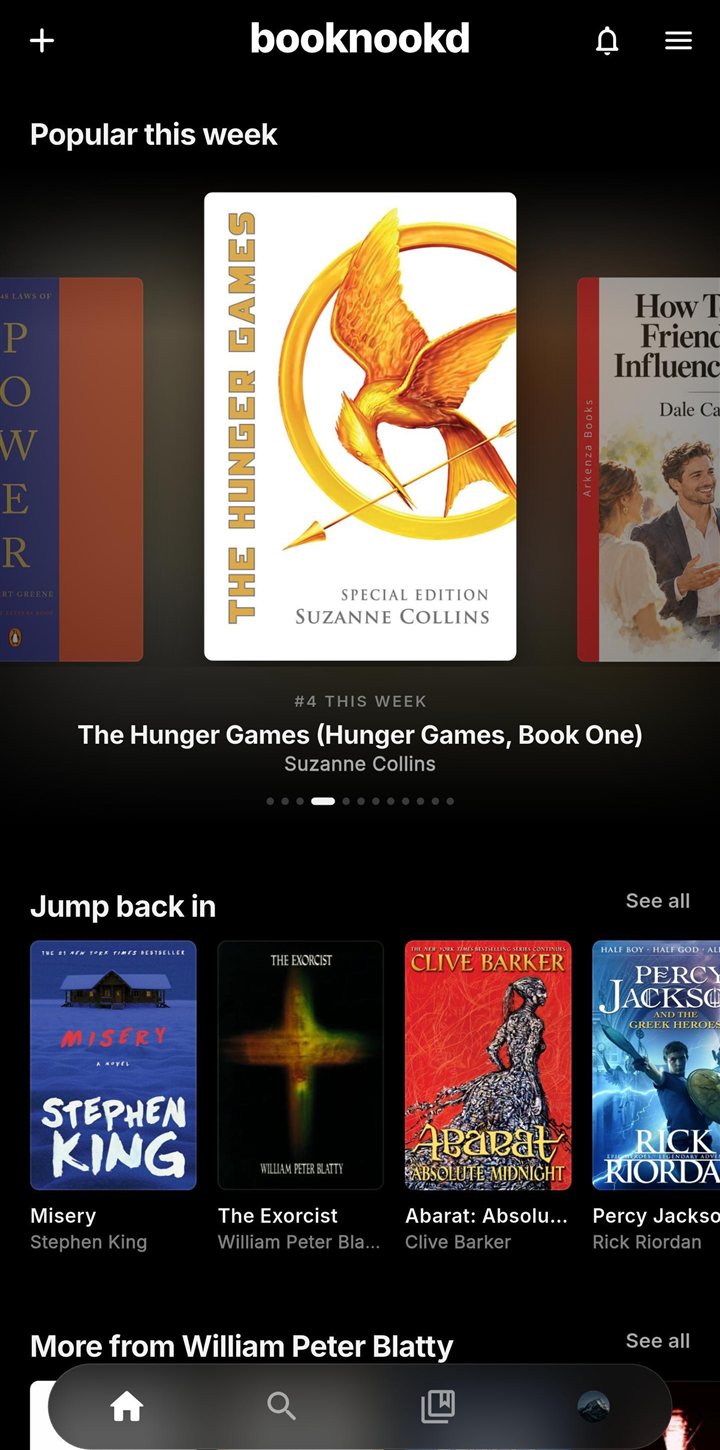
Home: Popular this week with The Hunger Games, and Jump back in
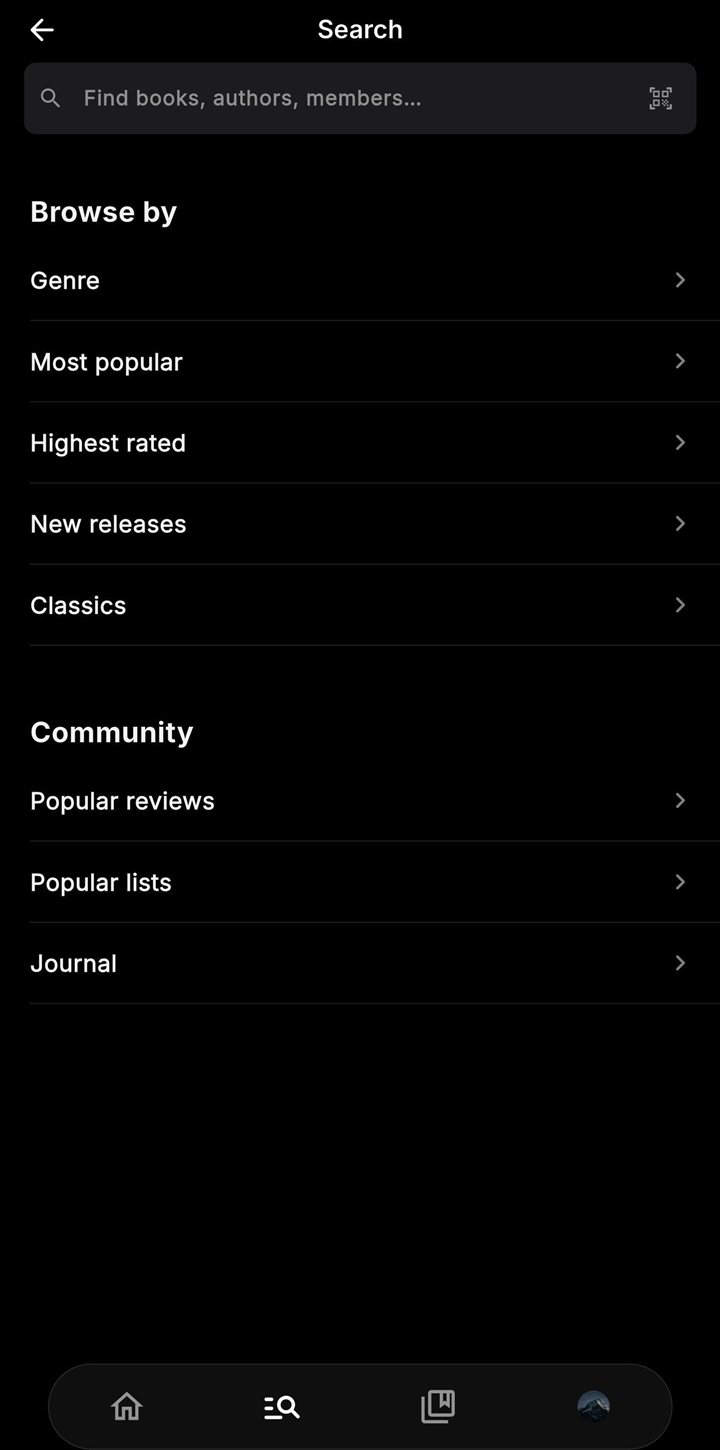
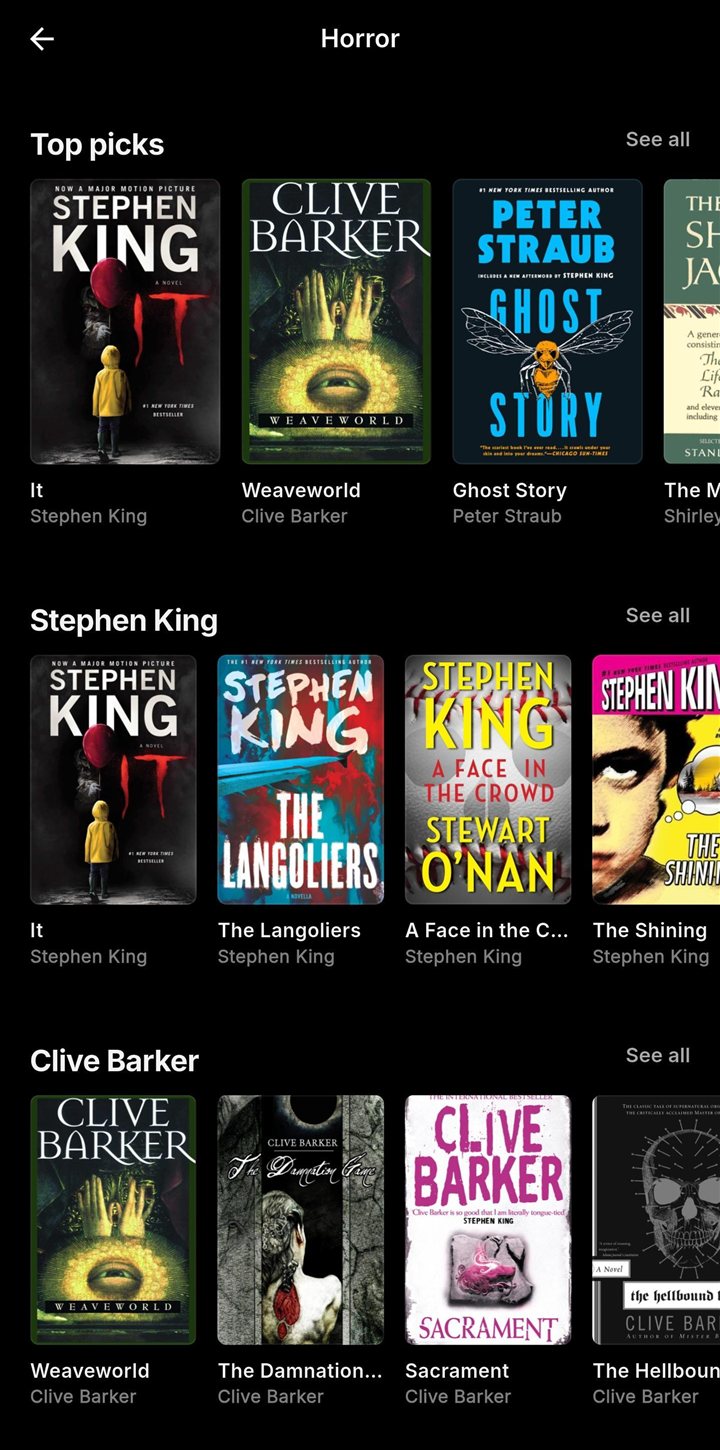
The Horror genre page: top picks, Stephen King and Clive Barker

The book page

Rate it, like it, and see what everyone thought

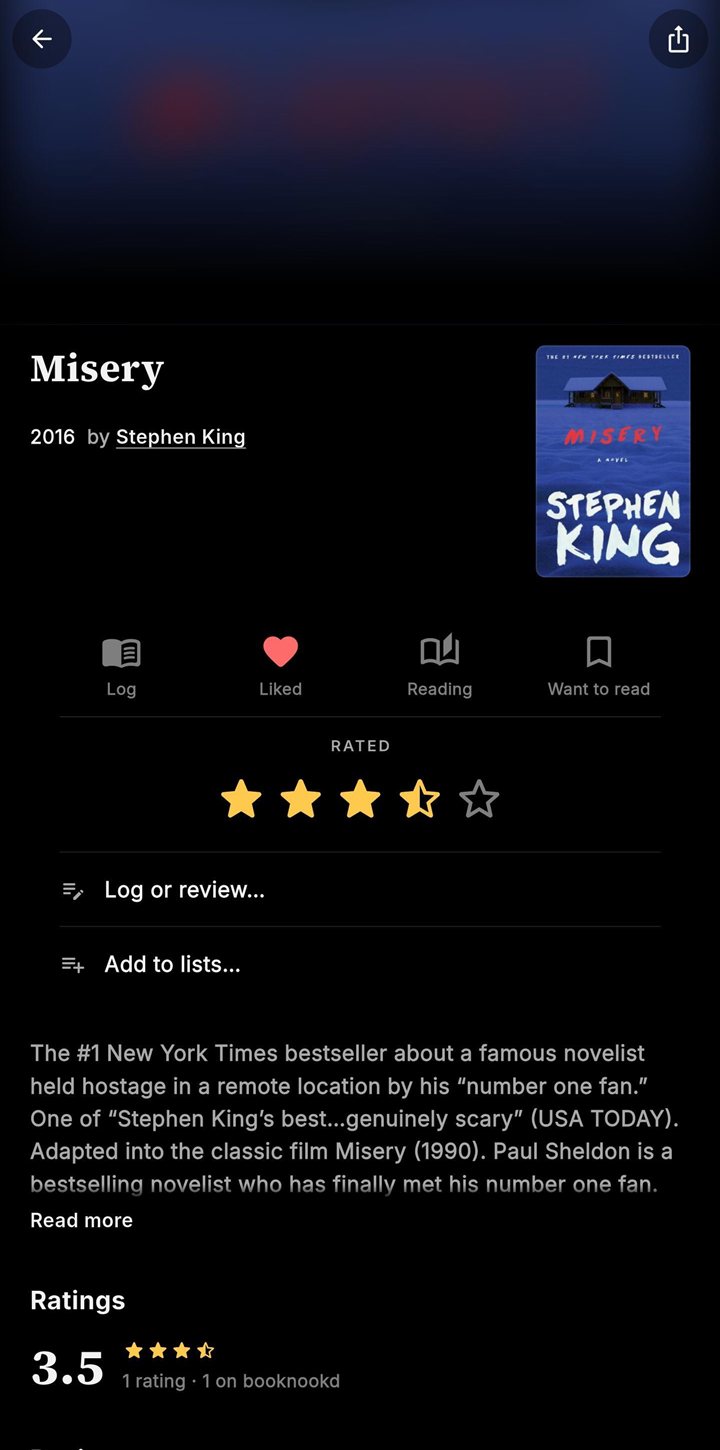
Drag across the stars to rate in half stars. Slide back to zero to clear it. Tap the heart to like.

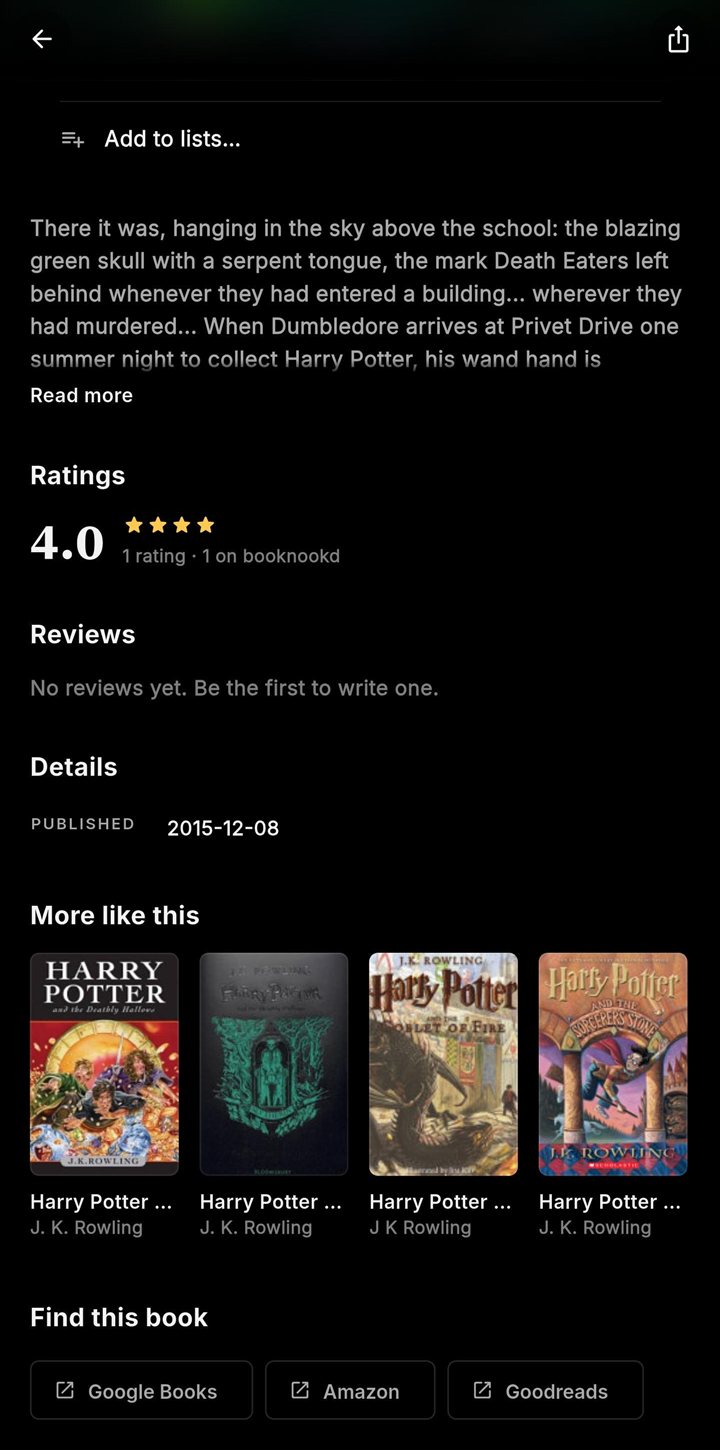
Below: the community's ratings, popular reviews, the details, more like this, and where to find a copy.

Misery rated three and a half stars and liked, with Log or review and Add to lists
Lower on the book page: ratings, reviews, details and More like this

Covers

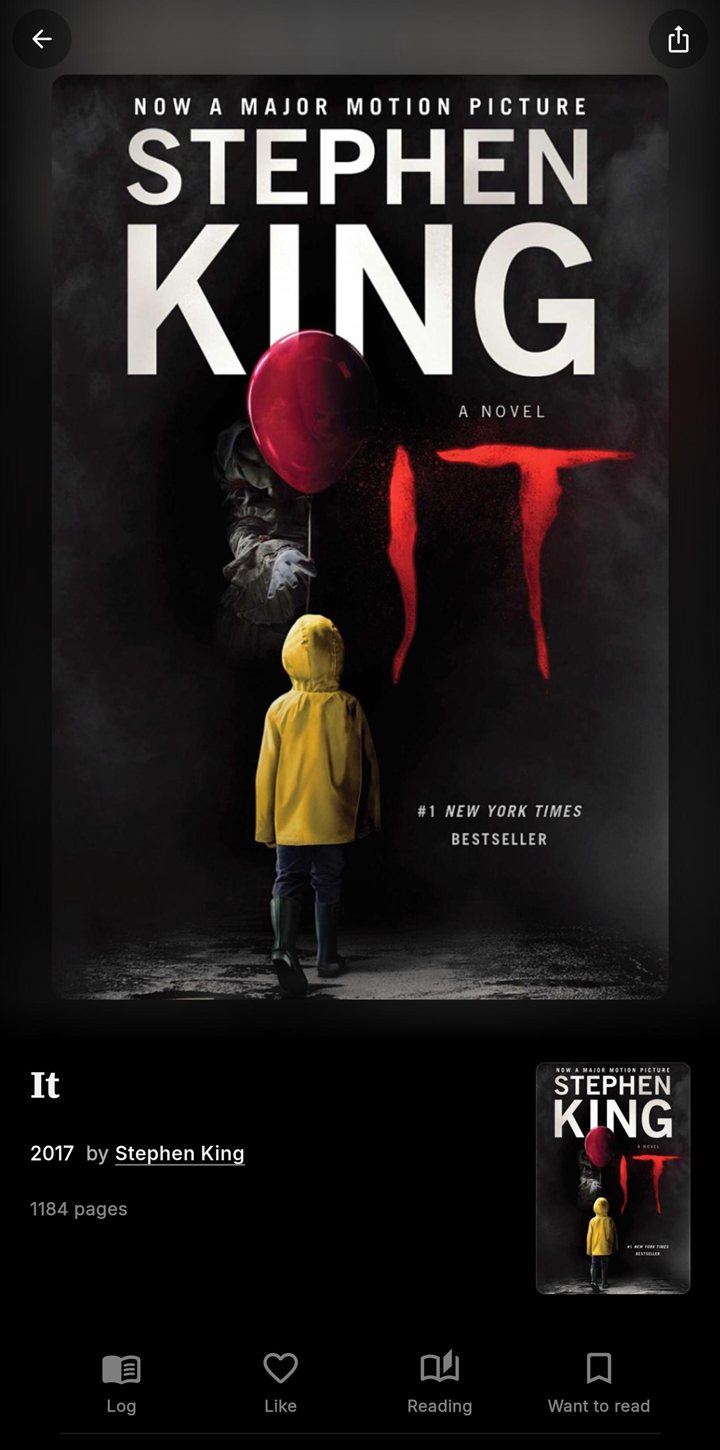
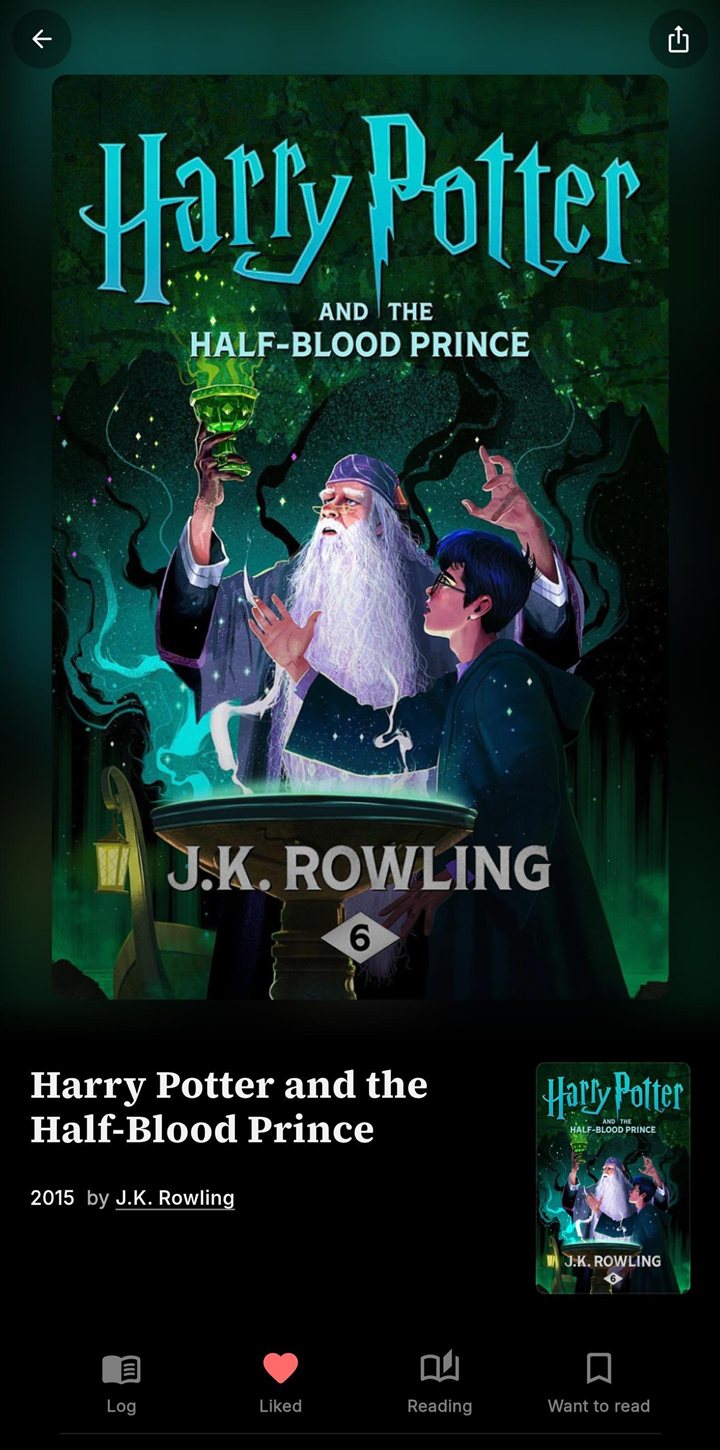
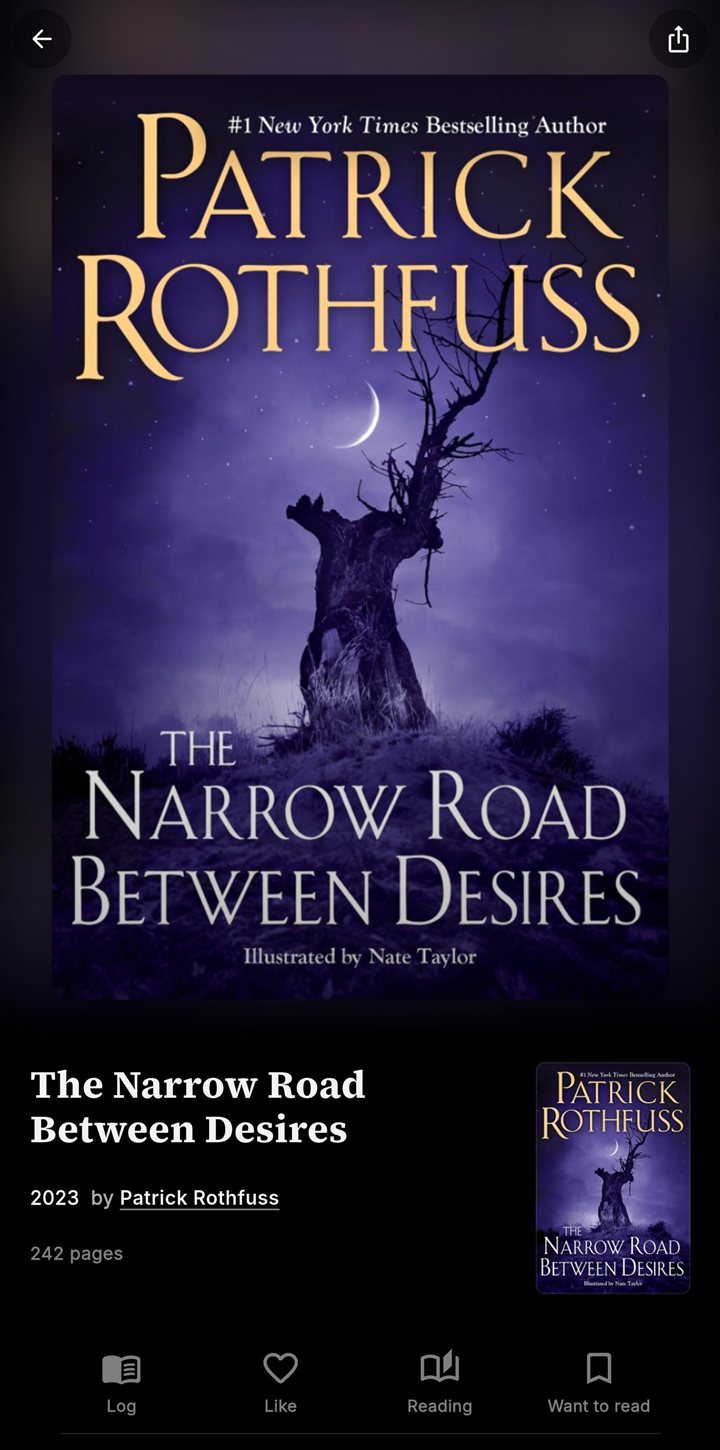
Pull down to see the whole cover

Every book page opens with its cover. Pull down and the page steps aside so the art fills the screen. Let go and it settles back.

booknookd picks the sharpest cover it can find and skips blank placeholders.

The full cover of It by Stephen King
The full cover of Harry Potter and the Half-Blood Prince
The full cover of The Narrow Road Between Desires by Patrick Rothfuss

Log

Add a book in seconds

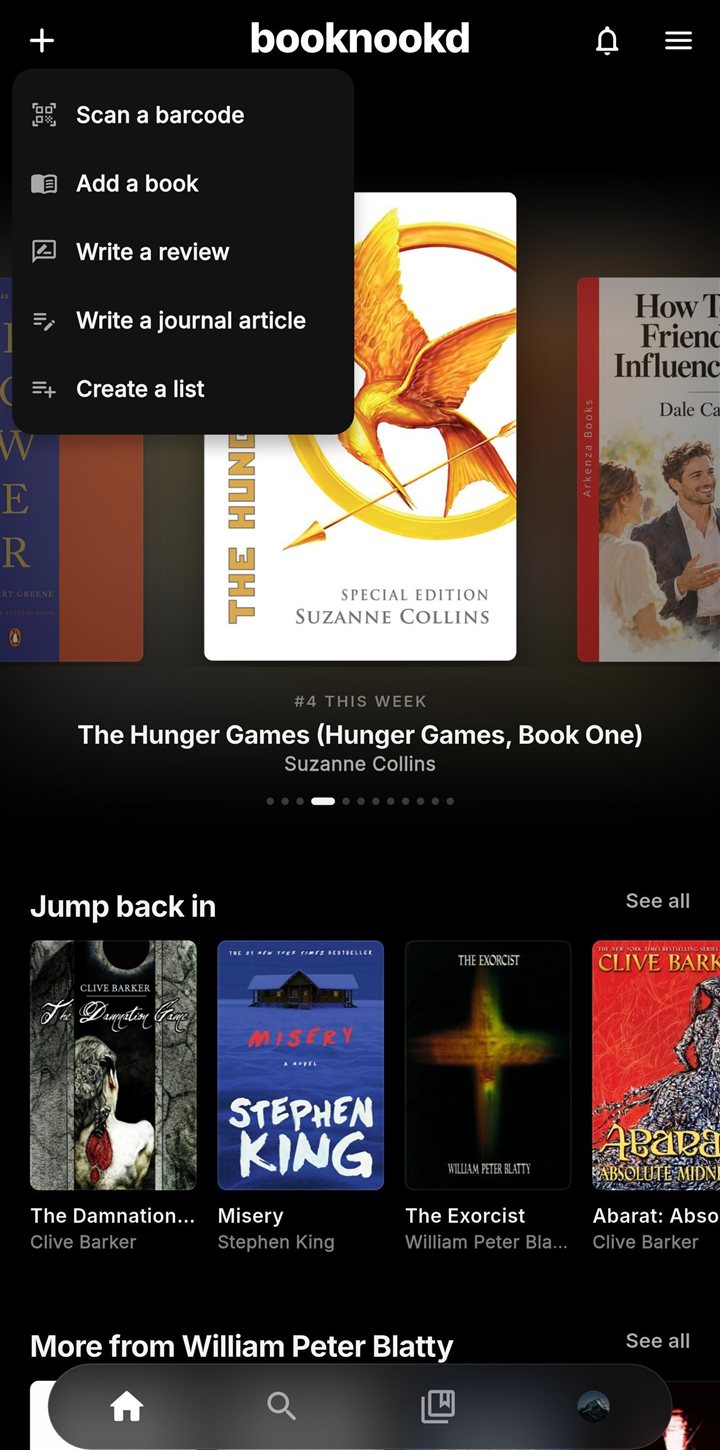
The + on Home lets you scan a barcode, add a book, write a review or a journal article, or start a list.

When you log a book, add the date you finished it, your stars, a like, tags, and whether it was a re-read or one you didn't finish.

The add menu: scan a barcode, add a book, write a review, write a journal article, create a list

Diary

Your reading, month by month

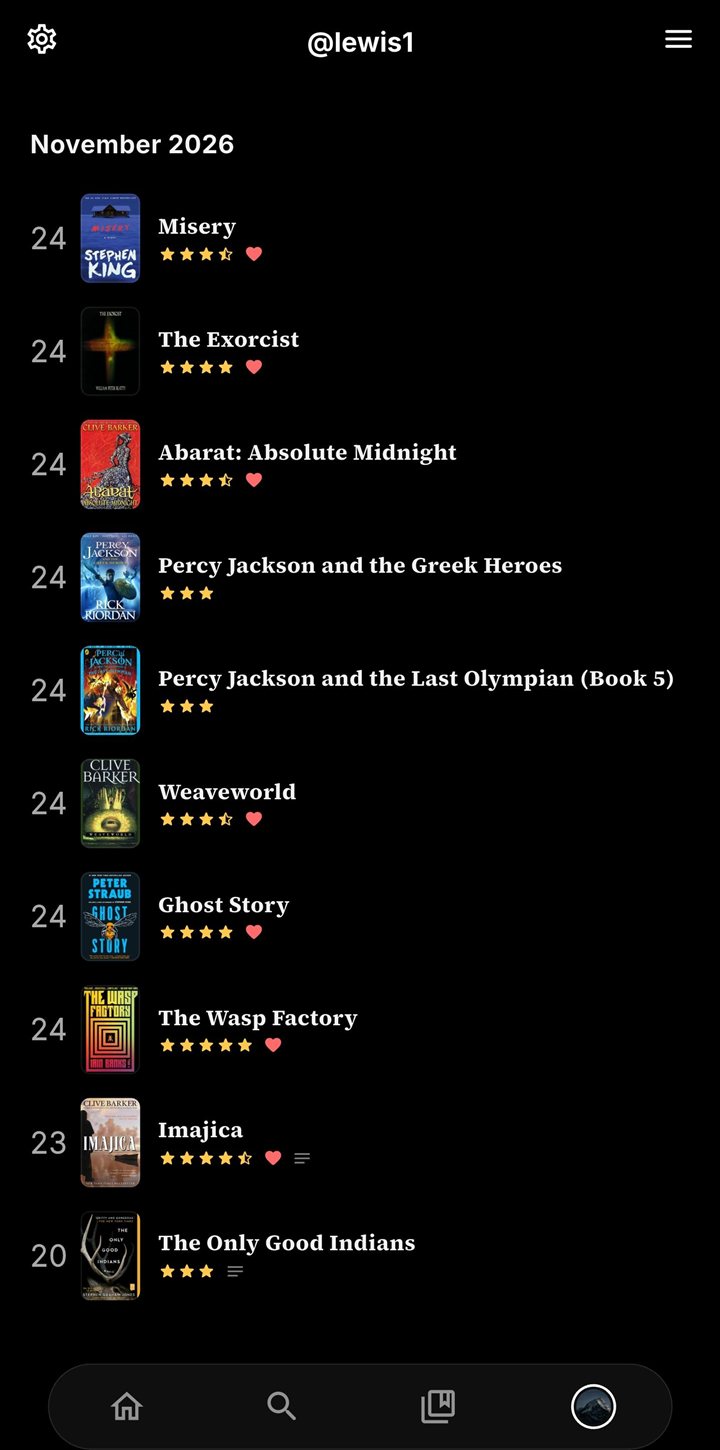
Every book you log lands in your diary under the month you finished it, with your rating and review alongside.

Only the books you choose to log go in. Just looking at a book never adds it.

The diary for November 2026

Library

Everything you've liked and rated

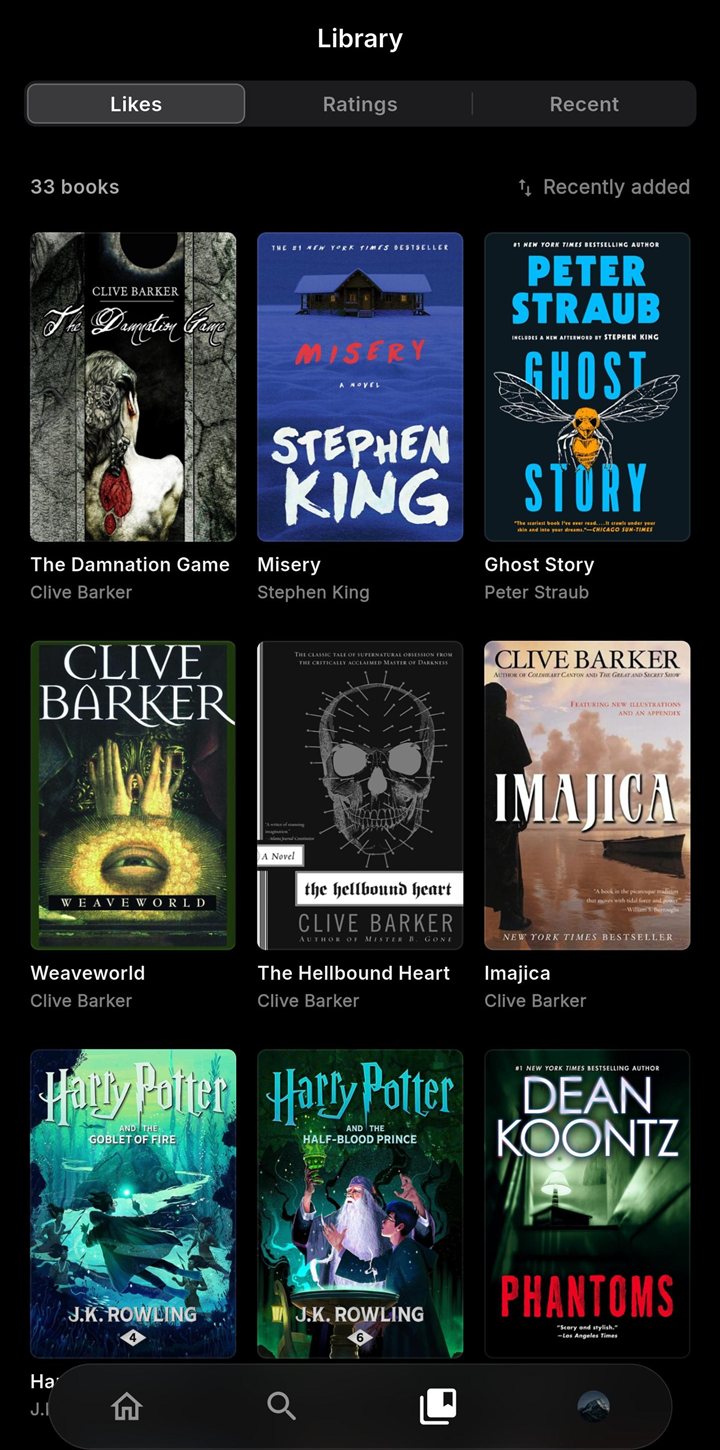
Your library keeps Likes, Ratings and Recent in one place, sorted however you like.

Make lists on any theme. Keep them public, or private for your eyes only.

Library: a grid of 33 liked books

Friends

See what the people you follow are reading

Switch Home between Books, Following, Reviews, Lists and the Journal.

Like and comment on reviews, and see which friends have read the book you're looking at.

The Home menu: Books, Following, Reviews, Lists and Journal

Profile

A shelf that says who you are

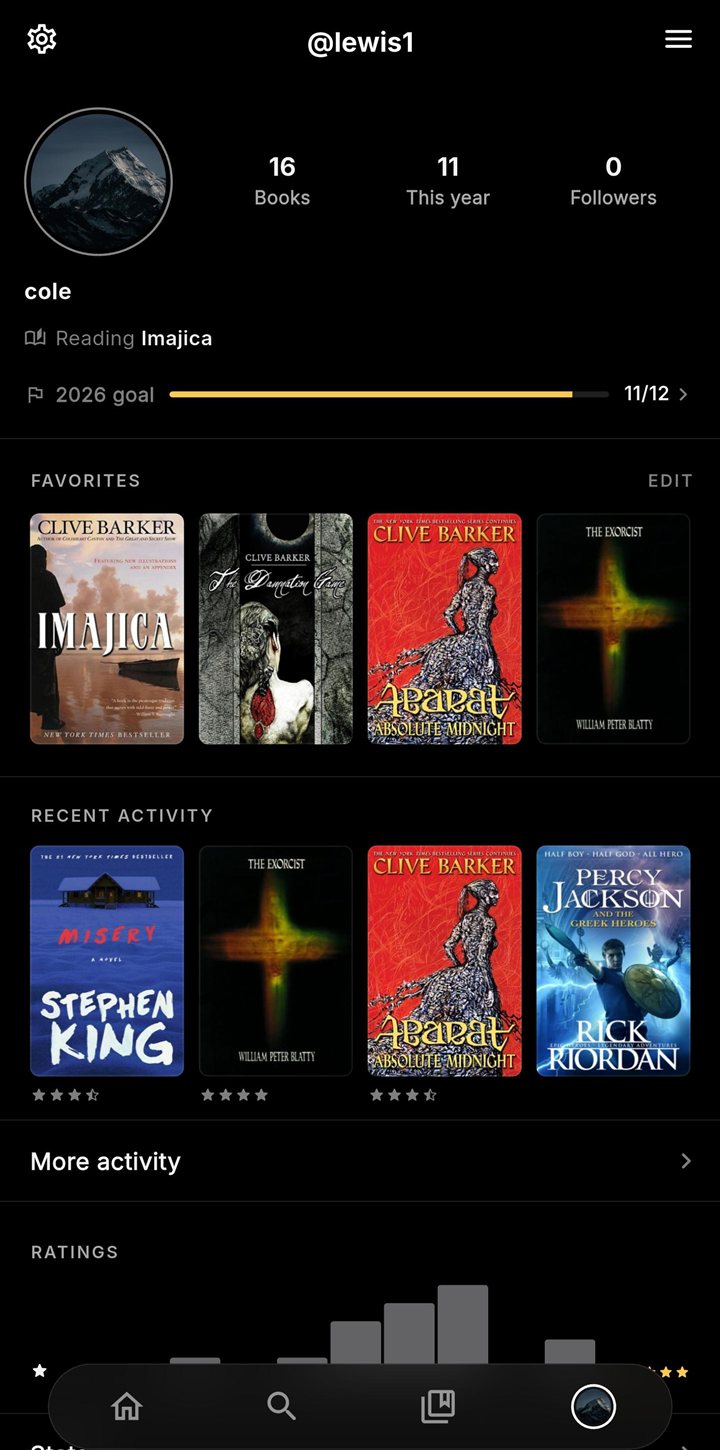
Your profile shows what you're reading now, your goal for the year, four favourite books and your latest activity.

A profile: 16 books, 11 this year, currently reading Imajica, goal 11 of 12

Stats

Set a goal and watch your year fill up

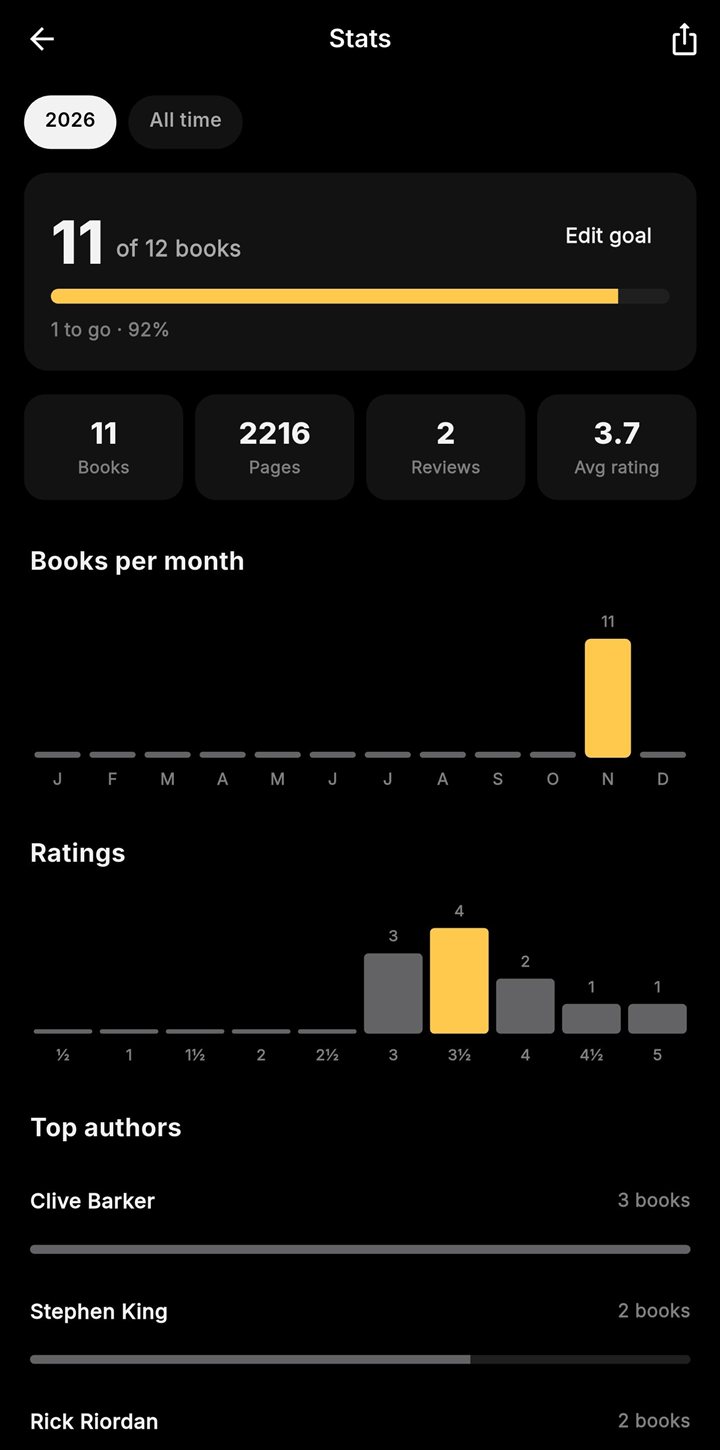
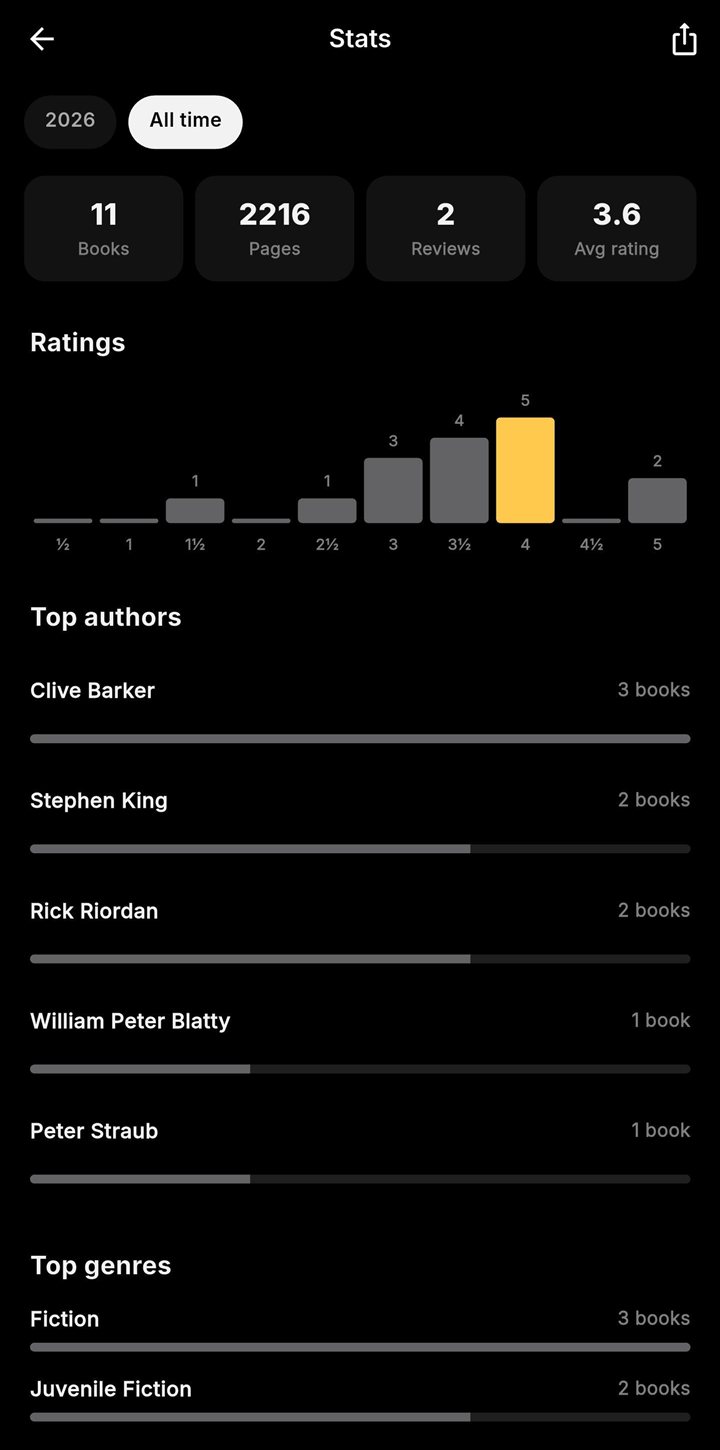
Pick how many books you want to read this year. Stats show your progress, books per month, how you rate and your top authors.

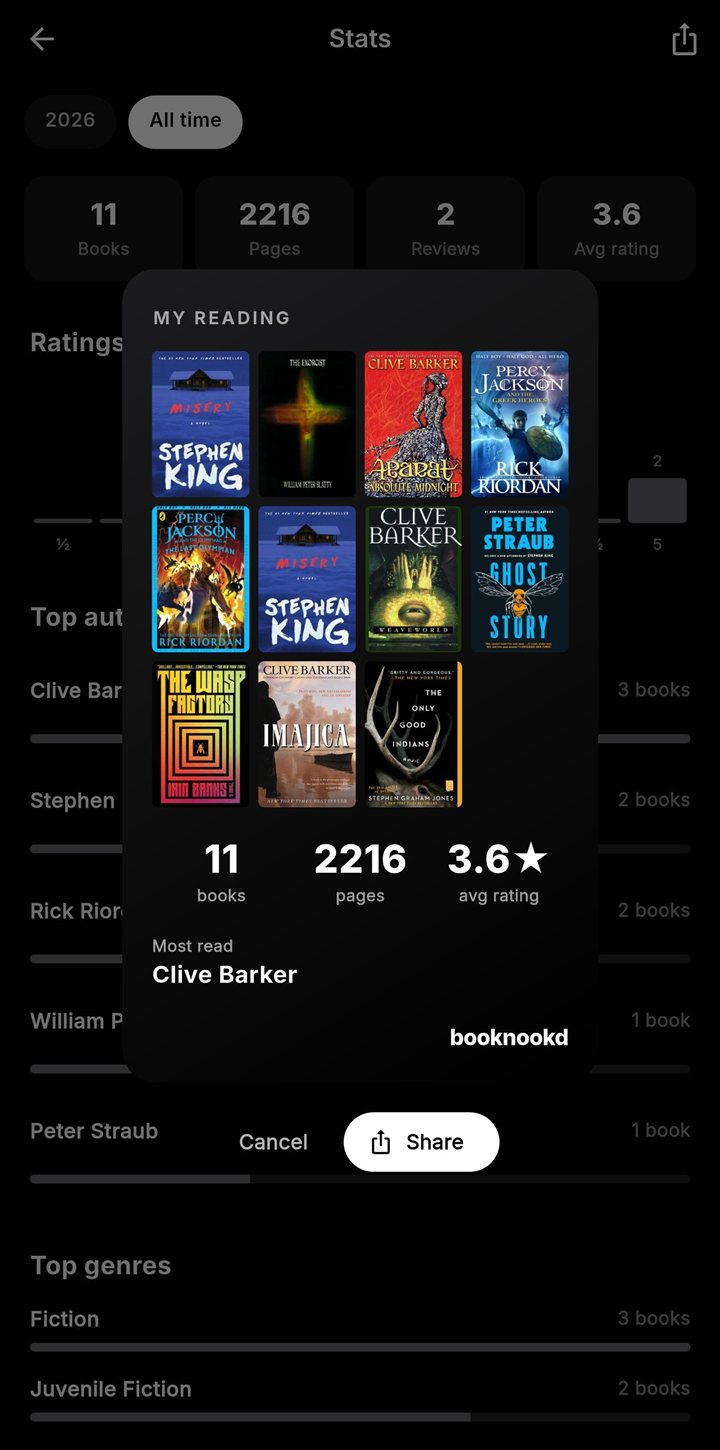
Switch to All time to see your whole reading life, or share a card of your reading with friends.

Stats for this year: 11 of 12 books
All-time reading stats: ratings, top authors and genres
A shareable card of your reading: books, pages and average rating

Your data

Bring your Goodreads history. Take everything with you.

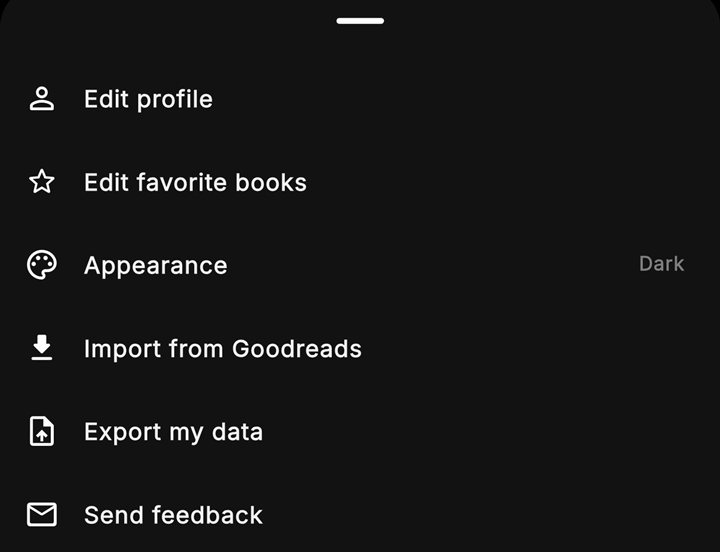
Import from Goodreads with its export file: your ratings, shelves and read dates come across.

Export my data any time. You can delete your account from the app, too.

Settings: edit profile, favourite books, appearance, import from Goodreads, export my data, send feedback

Themes

Dark, Slate or Light

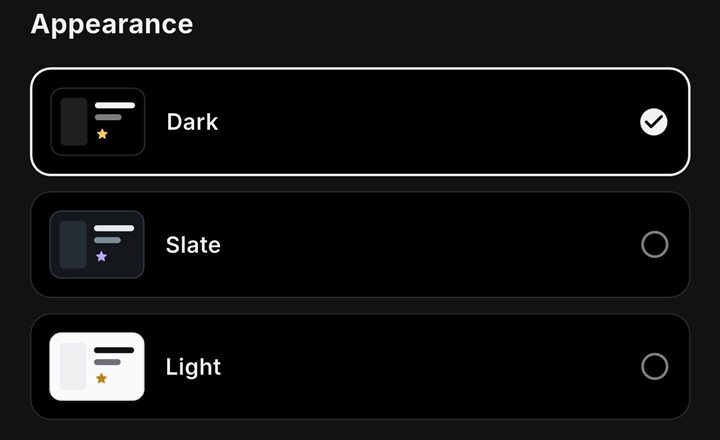
True black by default, easy on the eyes at night. Slate and Light are one tap away in Appearance.

Appearance: Dark, Slate and Light themes

Want in?

booknookd is in closed beta on Android. Leave your email and we'll send an invite.

Request a beta invite

Join the beta

Enter the email of the Google account on your Android phone. That's where the Play Store invite goes.